-->

Resistors & Capacitors Questions & Answers

BUILD LEARN SHARE

Turn β€œwhy won’t it work?” into your next working circuit.

Follow a practical learning path, search real troubleshooting answers, share your builds, and keep reliable bench references close at hand.

Subscriber workbench
33answered questions
10maker builds
12+learning resources
Pick a starting point

Choose your maker path

Focused guides connect the concepts, tools, and safety checks needed for a confident next build.

Maker challenge: Build a safer, cleaner breadboard power layout

Label the rails, add current limiting, verify polarity, then share one improvement you made.

Community knowledge bench

Find an electronics answer

Search by symptom, part, or project. Every editorial answer is visible for makers and search engines.

Resistors & CapacitorsTechCrate editorial answer

Understanding Decoupling Capacitors & Noise Reduction

Why does every digital circuit need a 0.1uF capacitor next to each IC microchip?
TechCrate editorial answer
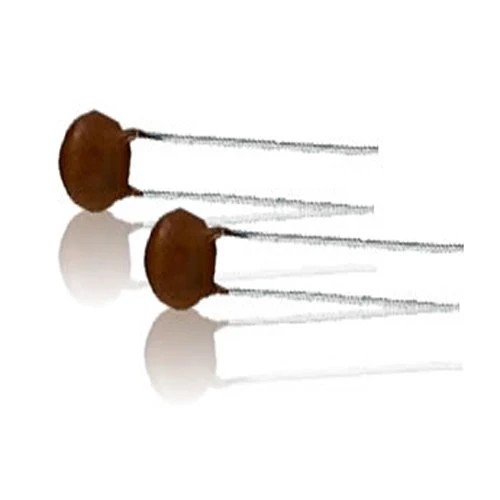
Decoupling capacitors act as local miniature power reservoirs for integrated circuits. When a digital IC switches internal transistors (HIGH to LOW or LOW to HIGH), it draws sudden instantaneous current surges from the power supply. A 0.1uF ceramic capacitor placed immediately adjacent to the IC supply pins absorbs these rapid spikes, preventing voltage dips that cause microcontrollers and logic ICs to crash or reset. See the full answer β†’
Want to see the full answer with all the details?

Unlock this and 100s of resources + your personal AI circuit trainer!
Resistors & CapacitorsTechCrate editorial answer

Understanding Resistor Color Codes & Tolerances

How do I read 4-band and 5-band resistor color codes, and why does tolerance matter in sensitive timing circuits?
TechCrate editorial answer
Reading resistor color codes is straightforward once you memorize the band order: Black (0), Brown (1), Red (2), Orange (3), Yellow (4), Green (5), Blue (6), Violet (7), Gray (8), White (9). On a standard 4-band resistor, the first two bands represent digits, the third is the multiplier (10^N), and the fourth is tolerance (Gold = 5%, Silver = 10%). For sensitive timing circuits like 555 oscillators or filter networks, 1% metal film resistors (5-band) are recommended to prevent frequency drift. See the full answer β†’
Want to see the full answer with all the details?

Unlock this and 100s of resources + your personal AI circuit trainer!
Resistors & CapacitorsTechCrate editorial answer

I am having difficulty with Experiment 11 ...

I am having difficulty with Experiment 11 in the second edition of Make: Electronics.

Specifically I am having trouble figuring out where to connect the components in Figure 2-118 to the breadboard. They are meant to replace the 4 color components at the lower right of Figure 2-116 / 2-117.

I am able to generate sound by guessing where to connect the speaker, 100uF capacitor, and 1K resistor, but the capacitor and resistor have no bearing on the sound..... it makes the buzz whether those components are attached or not. Also, replacing the 100uF capacitor with a 1uF capacitor as the upper portion of Figure 2-119 instructs does not change the character of the sound, so clearly I am not putting things in their proper places.

Obviously this is an issue of being able to translate schematics to functional design, but as a complete beginner on page 96 of an introductory electronics book, I find this very difficult.

Could someone please help me figure out Figure 2-118? I also foresee difficulty with the lower portion of Figure 2-119.
TechCrate editorial answer
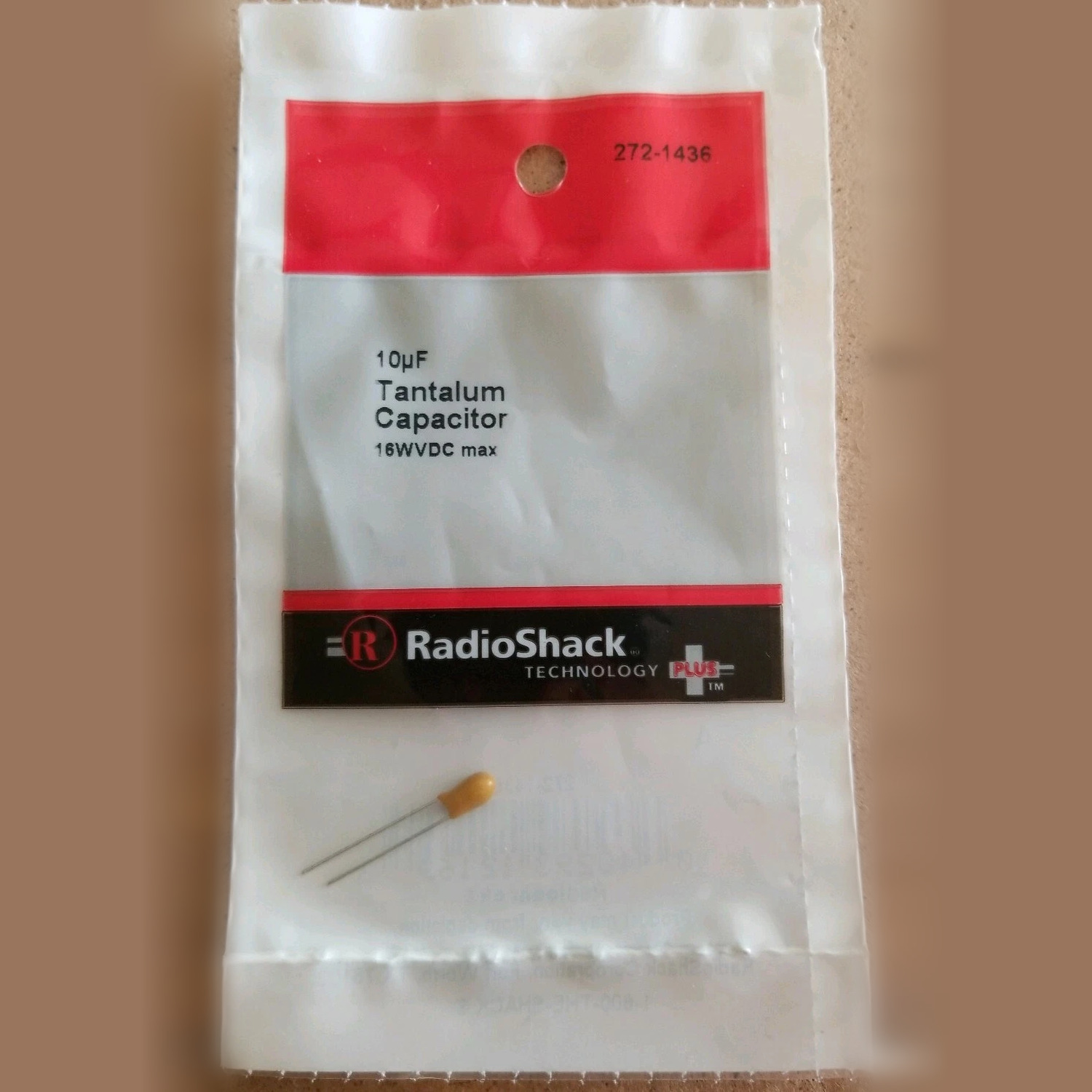
The speaker should be in the intended signal path rather than connected directly to an oscillator node. With power disconnected, trace the circuit from the oscillator output through the 1 kΞ© resistor, then through the polarized coupling capacitor, then through the speaker to ground. The capacitor blocks the DC component while passing the changing signal; the resistor limits current. See the full answer β†’
Want to see the full answer with all the details?

Unlock this and 100s of resources + your personal AI circuit trainer!
Resistors & CapacitorsTechCrate editorial answer

Coupling capacitor vs decoupling capacitor β€” what's actually the difference?

Book mentions both "coupling capacitor" and "decoupling capacitor" in different chapters and I always get them mixed up in my head. Are these the same component used differently or actually different things?
TechCrate editorial answer
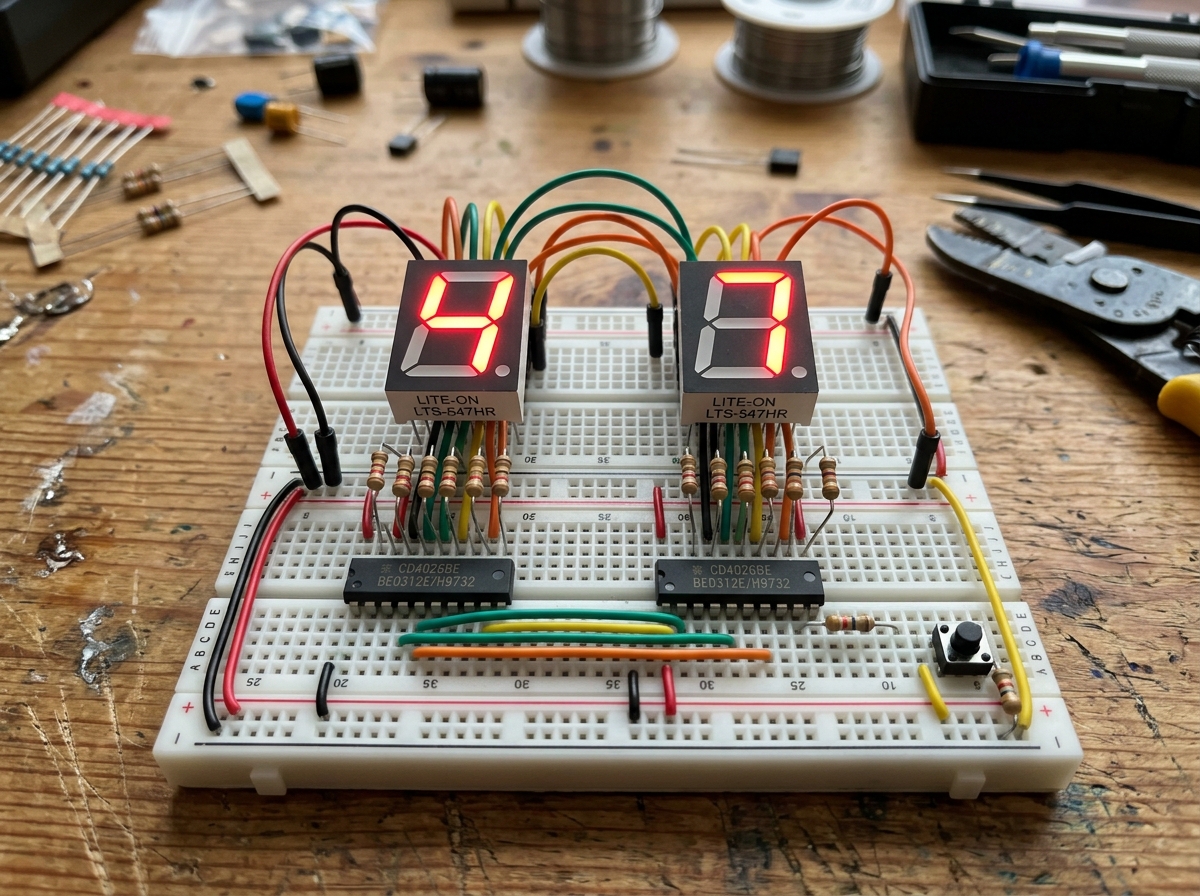
They're the same component doing two different jobs: a coupling capacitor sits in series between circuit stages to pass AC signal while blocking DC bias; a decoupling (bypass) capacitor sits in parallel across a chip's power pins to smooth out sudden current demands and keep the supply voltage steady. Coupling capacitor β€” "let the signal through, but block the DC."
Sits in series between two stages (e.g., an audio source and the next amplifier stage), passing the AC signal while blocking the DC bias voltage that stage sits at. See the full answer β†’
Want to see the full answer with all the details?

Unlock this and 100s of resources + your personal AI circuit trainer!
Resistors & CapacitorsTechCrate editorial answer

Resistor color code confusion on a 4-band resistor

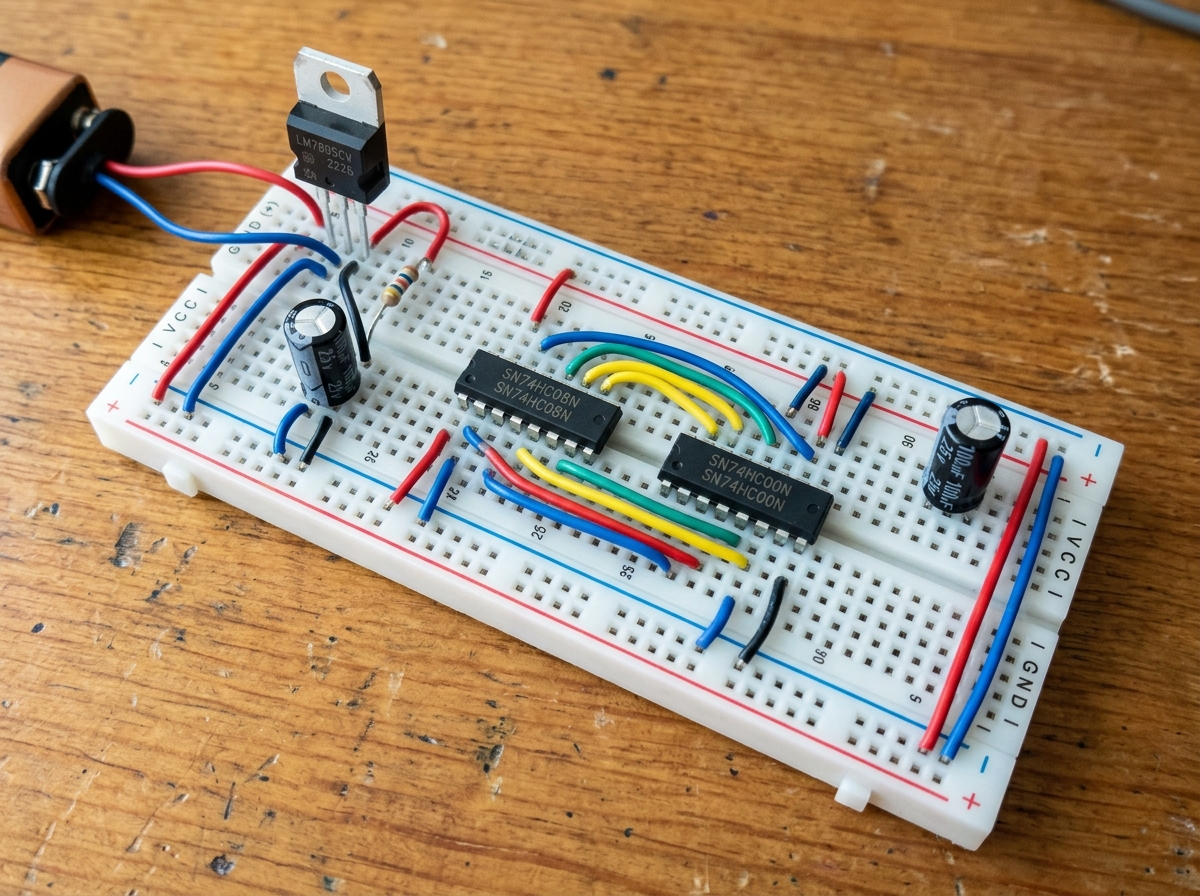
I picked up a bag of assorted resistors for the Make: Electronics kit and I can't tell if a band is red or orange under my desk lamp. It's driving me crazy. Is there a trick to reading color codes without a fancy meter, or should I just measure everything with a multimeter instead?
TechCrate editorial answer
Red and orange resistor bands are the most commonly confused colors, especially under warm indoor lighting β€” the fastest fix is to skip the guesswork and measure the resistor directly with a multimeter set to the Ohms (Ξ©) range, which gives an instant, unambiguous value regardless of lighting. If you still want to get better at reading bands by eye, here's how: See the full answer β†’
Want to see the full answer with all the details?

Unlock this and 100s of resources + your personal AI circuit trainer!
Want the full workbench?

Choose digital access or add the monthly hardware crate.

Digital VIP Β· $4.99/moCrate + VIP Β· $14.99/mo

Free Shipping

On orders over $50

Fast Shipping

Ships within 24 hours

Secure Checkout

256-bit SSL encrypted

Family Owned

Since 2013 in Pine Hill, NJ

Follow us for tutorials, product demos, and maker inspiration!
Added to Cart!