
Pi Day Experiment Scrolling Digits of Pi 3.14 Raspberry Pi Pico LCD Display 1602 With Digital Download

Pi Day 2026 — Raspberry Pi Pico Experiments
? Watch Us Build This LIVE on TikTok!
Monday, March 17 at 2:30 PM EST
Follow @ProTechTrader on TikTok →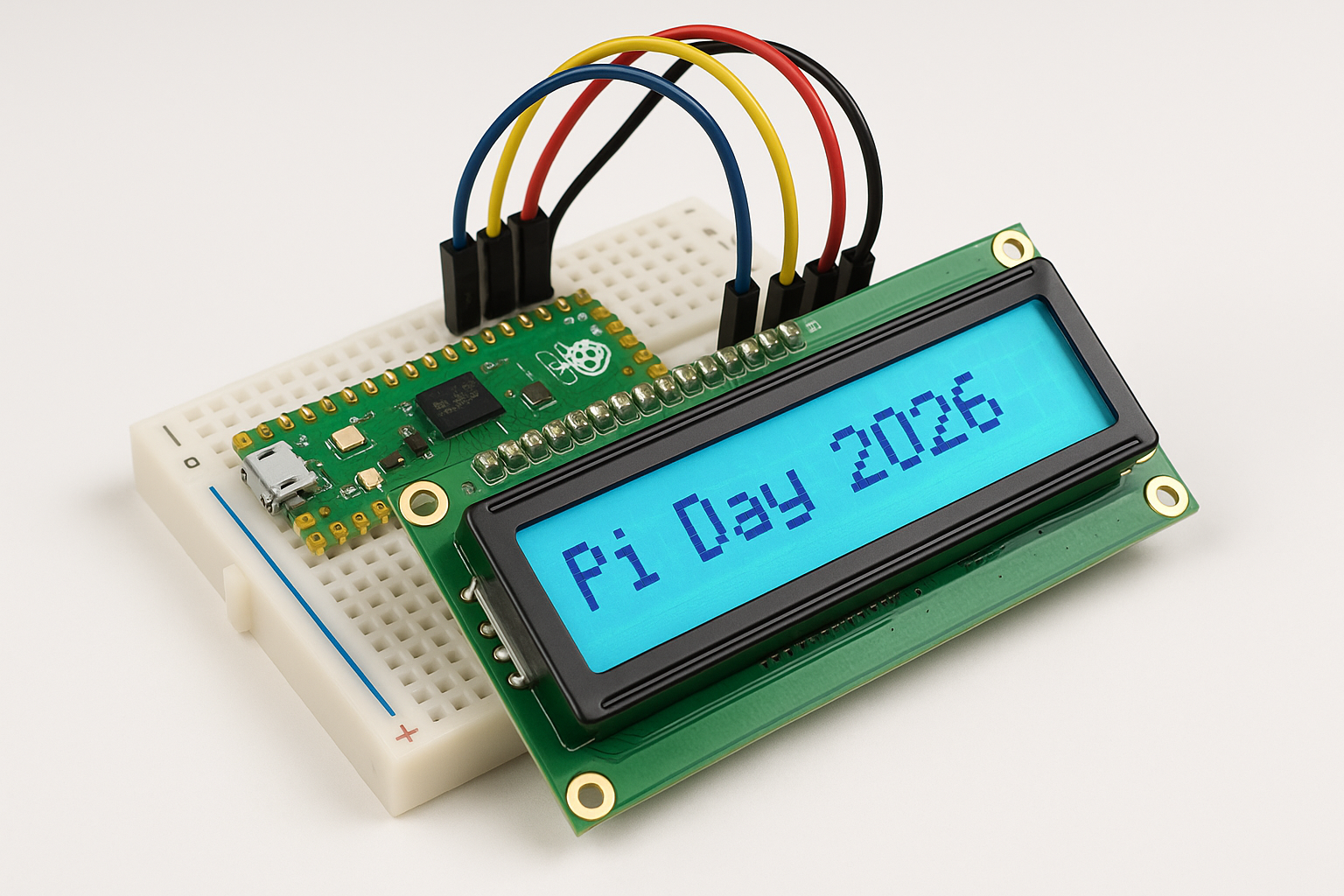
Learn electronics with two fun Pi Day projects using the Raspberry Pi Pico! This digital guide includes complete MicroPython source code, step-by-step wiring diagrams, a full pinout reference, and detailed breadboard connection photos from multiple angles.
? Included Experiments:
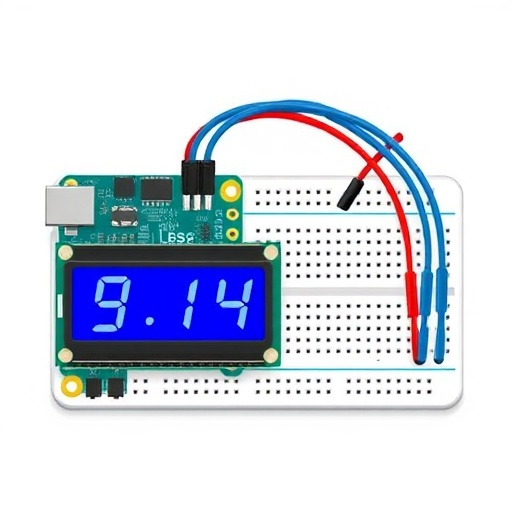
- Experiment 1: LED Morse Code Pi — Blink the digits of Pi (3.14159...) in Morse code using a green LED. Perfect first project — only 2 components + 1 wire!
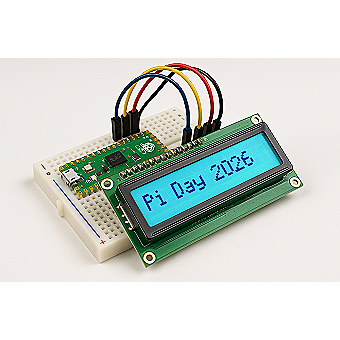
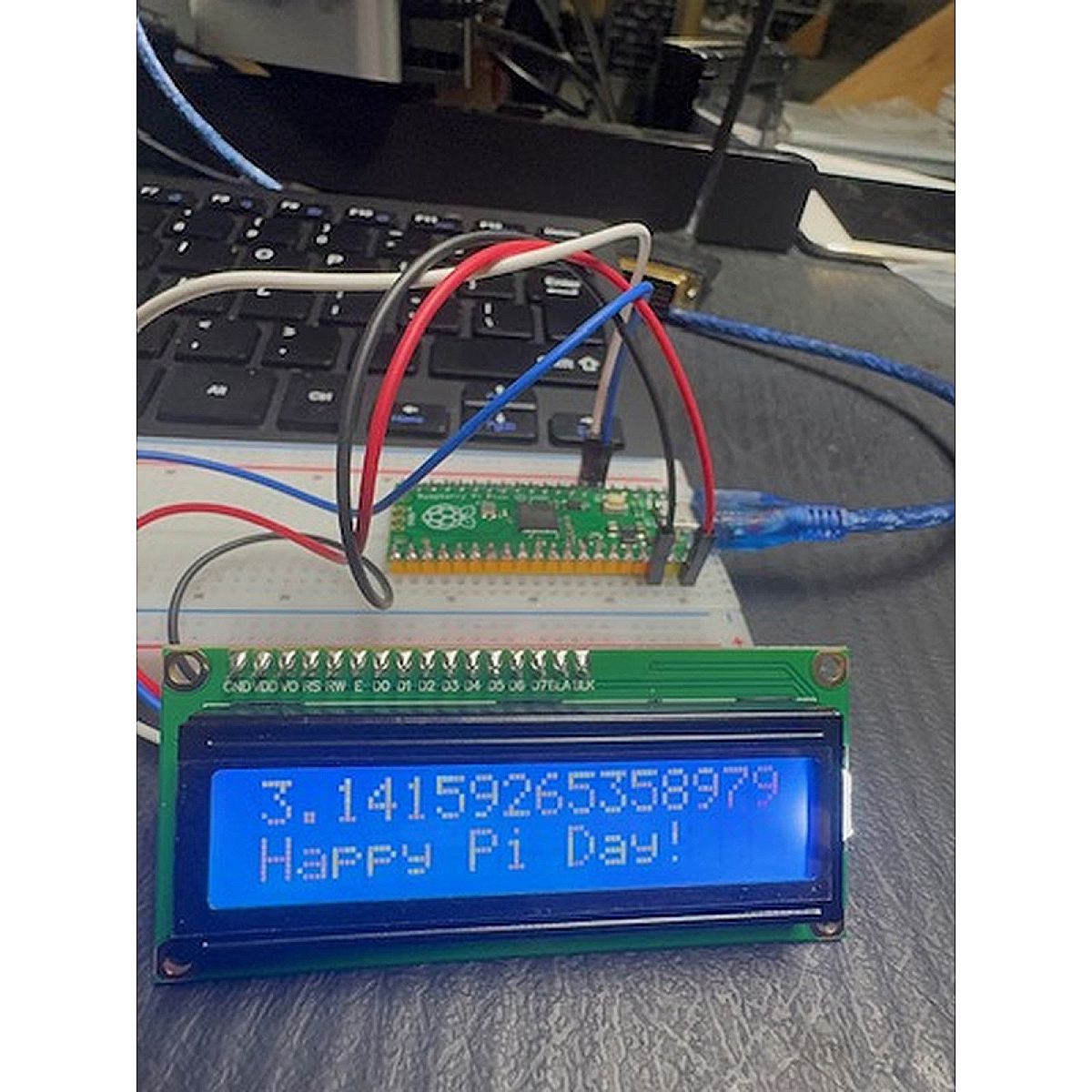
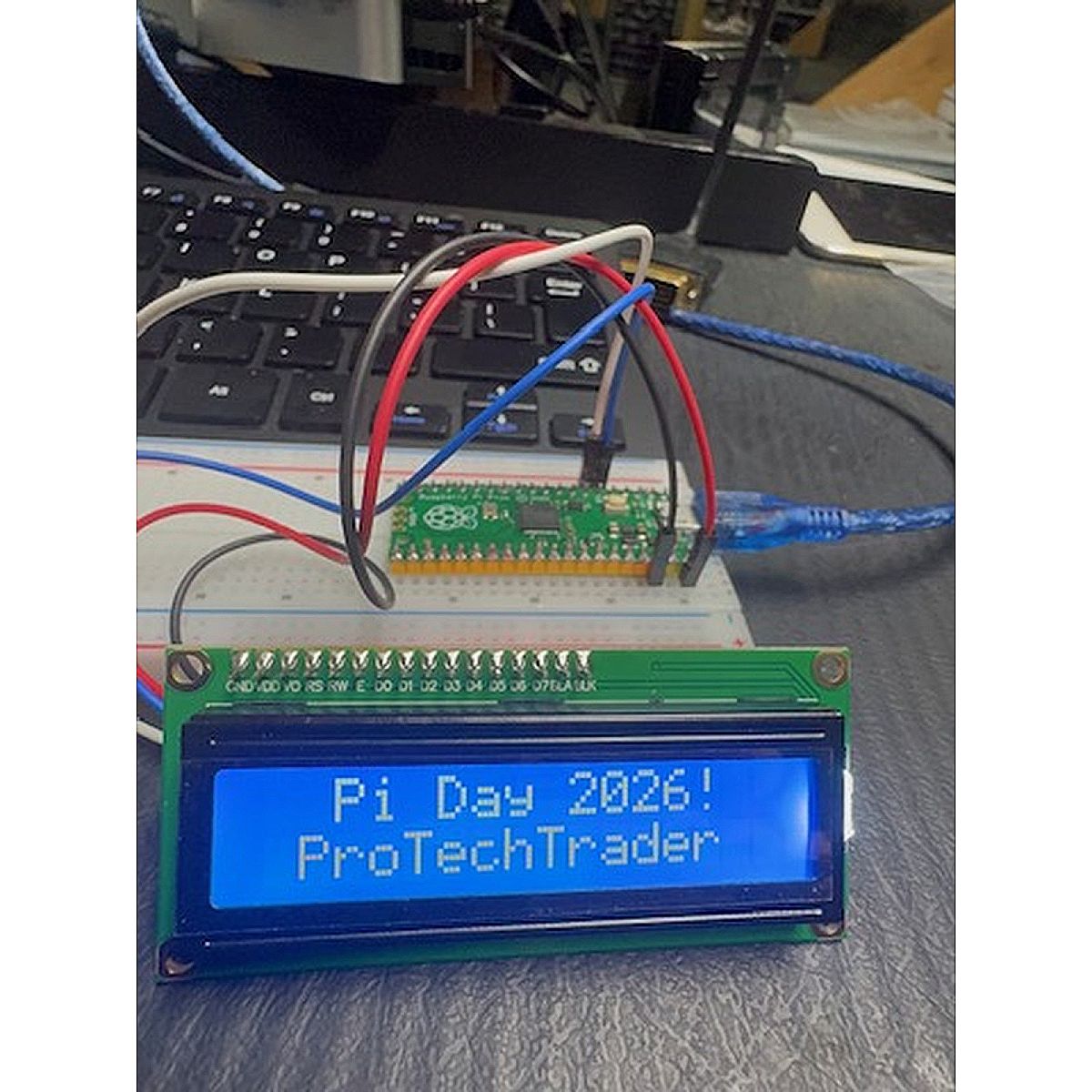
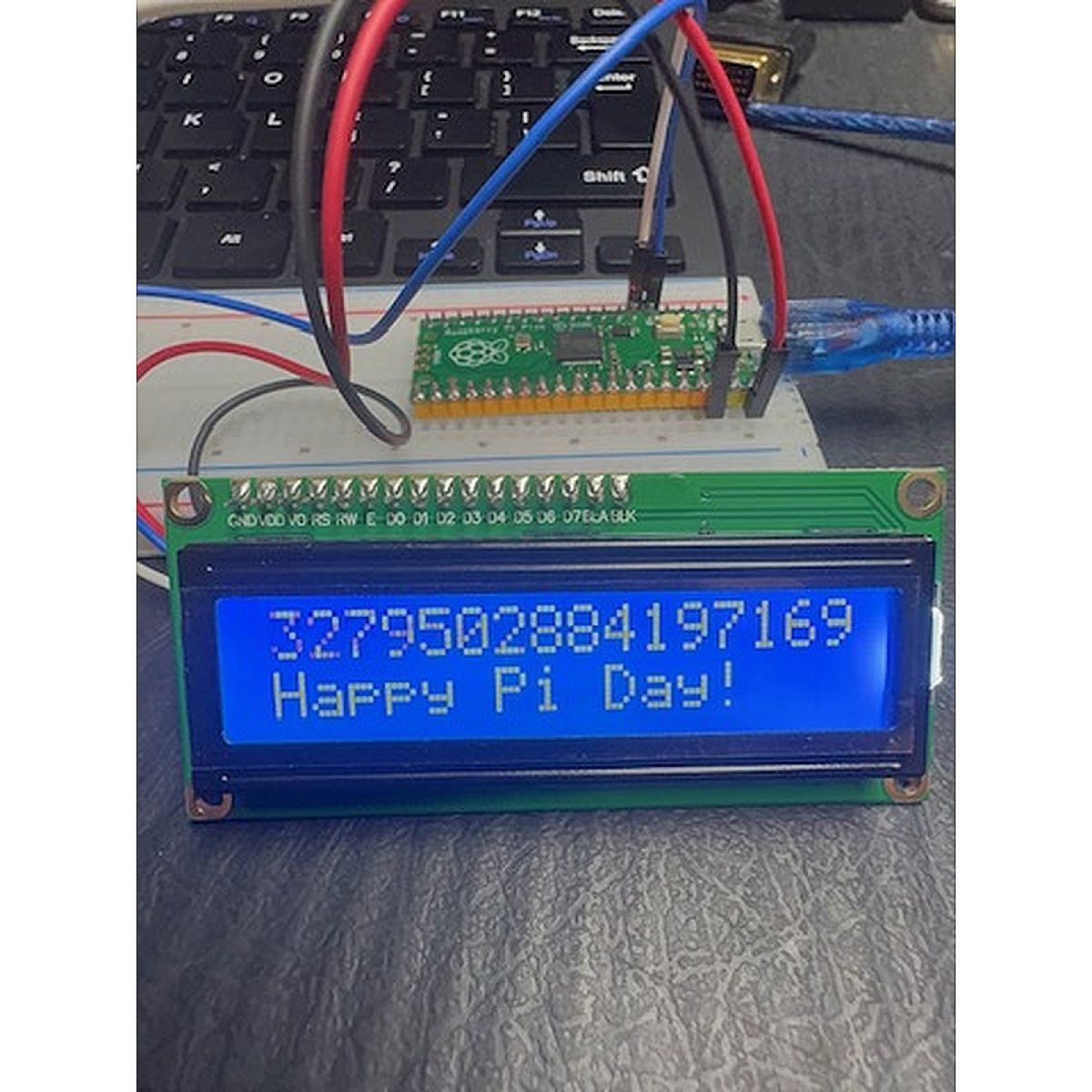
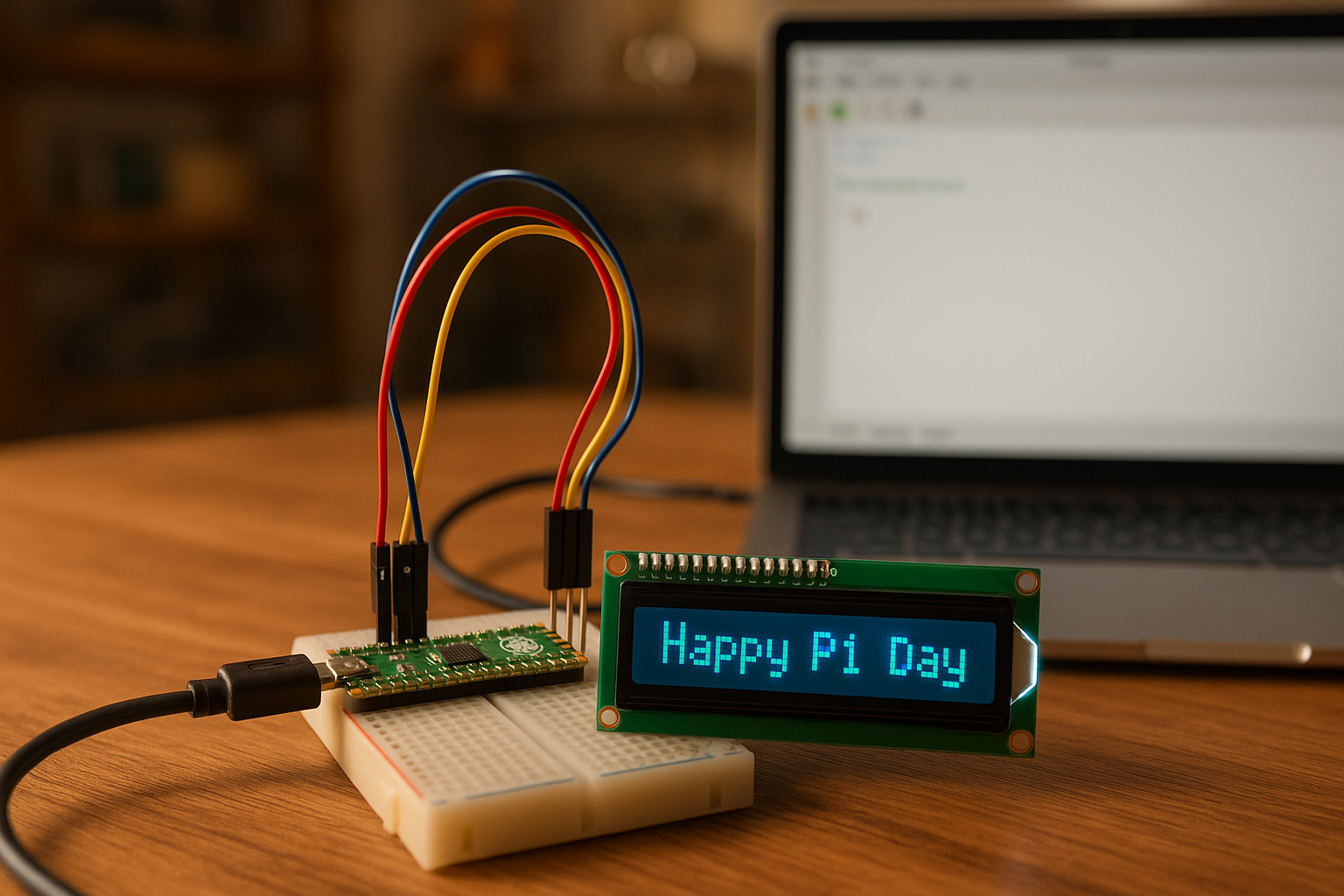
- Experiment 2: LCD Scrolling Pi Digits — Display the first 100 digits of Pi scrolling across a 1602 LCD screen with "Happy Pi Day from ProTechTrader.com" scrolling on the bottom line. Splash screen shows "Pi Day 2026! / @ProTechTrader"
? Complete Pico Pinout Reference
Full 40-pin diagram with highlighted connection points:
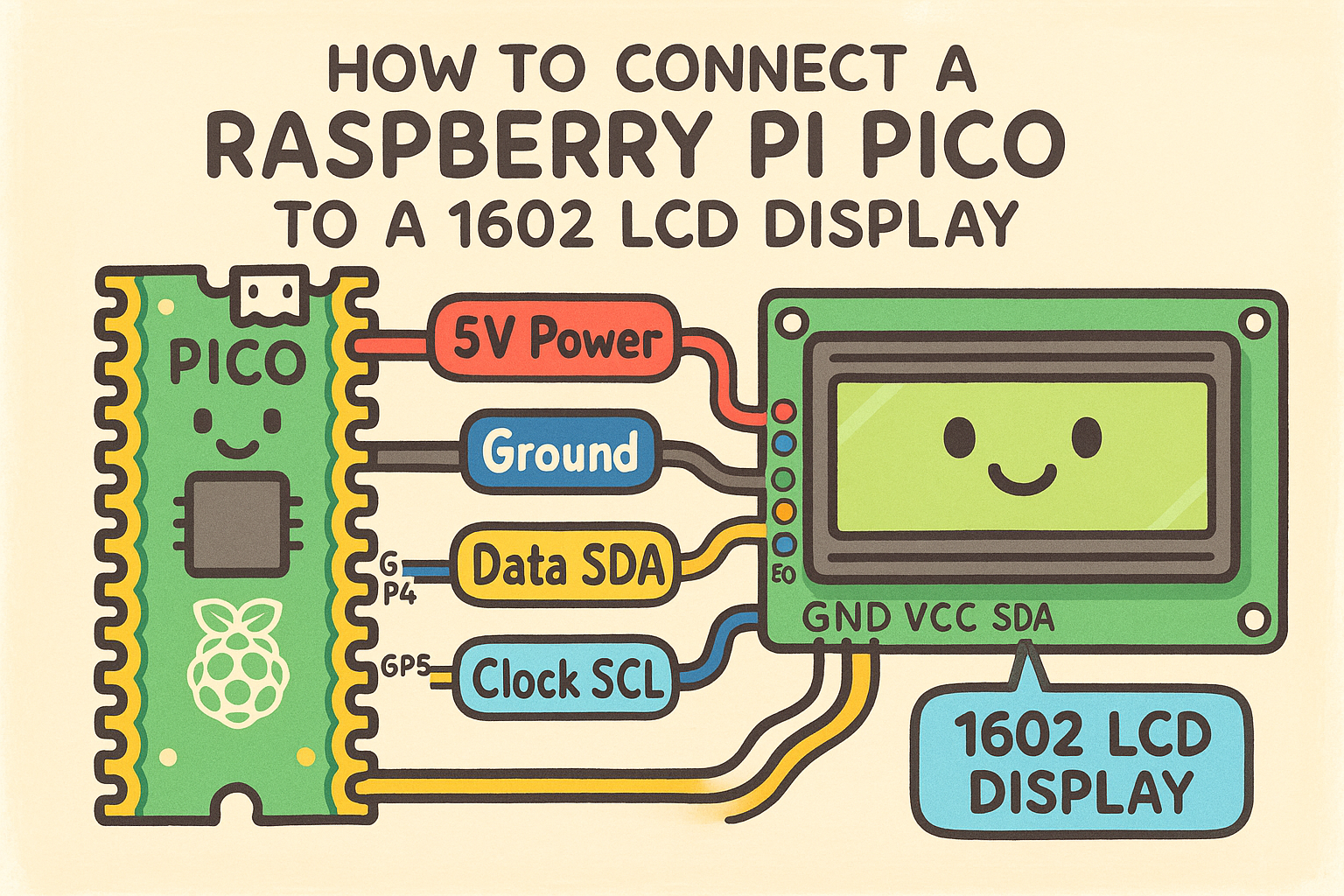
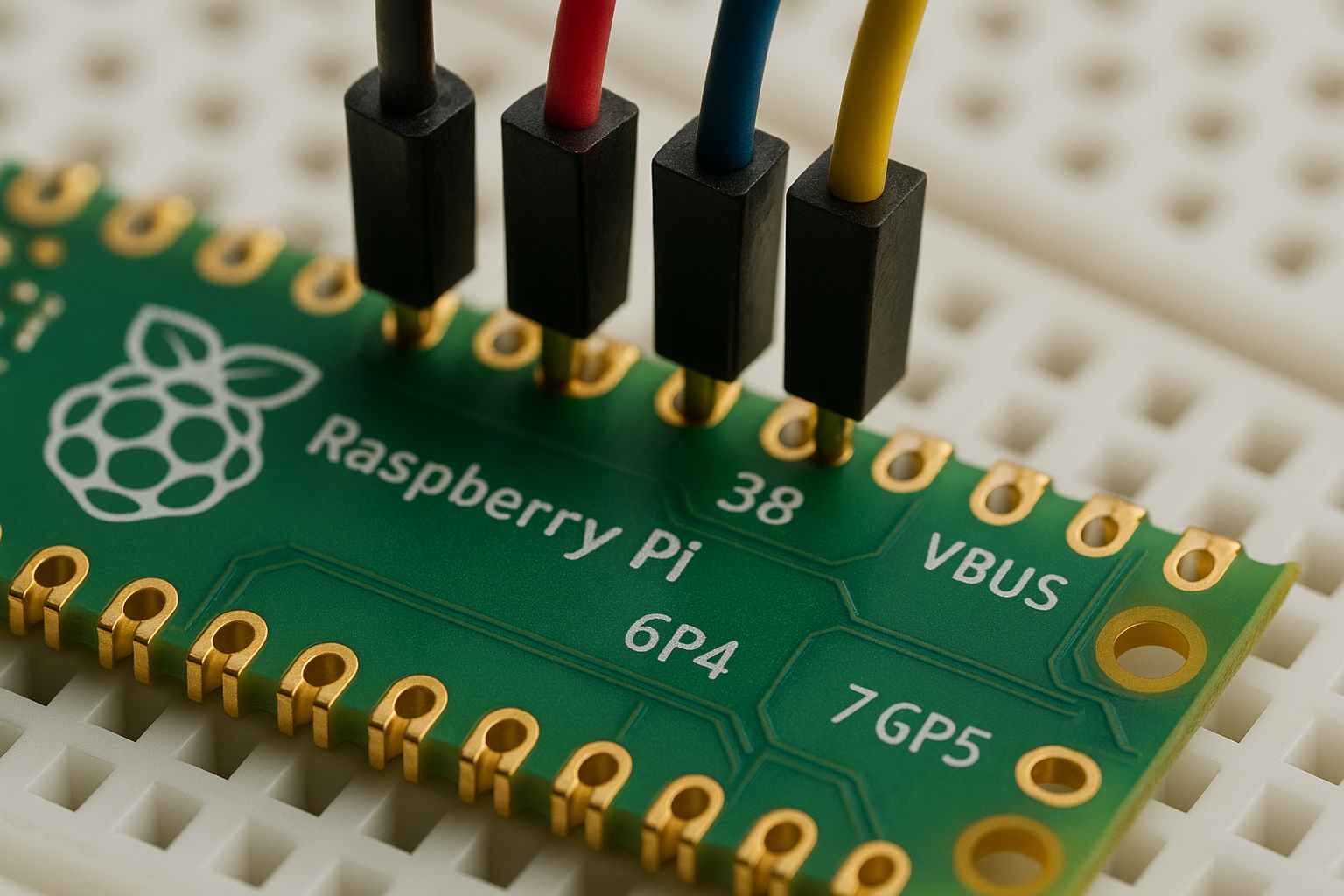
- ? Pin 40 (VBUS) — RED wire → LCD VCC (5V power)
- ⚫ Pin 38 (GND) — BLACK wire → LCD GND (ground)
- ? Pin 6 (GP4/SDA) — BLUE wire → LCD SDA (data)
- ? Pin 7 (GP5/SCL) — YELLOW wire → LCD SCL (clock)
? 10 Connection Reference Photos
AI-generated reference images from every angle — top-down, 3D perspective, close-ups of pins, LCD backpack detail, and cartoon wiring diagram.
? Complete Beginner Walkthrough (5 Parts)
- Part A: Setting up your Pico — Thonny IDE + MicroPython firmware
- Part B: Breadboard wiring — Pin diagram + color-coded instructions
- Part C: Uploading LCD libraries to the Pico
- Part D: Testing wiring with I2C scanner
- Part E: Running the Pi scroller + troubleshooting
? What You Get:
- 3 MicroPython source files (pi_morse.py, pi_lcd.py, i2c_scan.py)
- Full 40-pin Pico pinout reference
- 10 color reference photos
- Step-by-step beginner walkthrough
- Troubleshooting tips
- GitHub repository access
? Components Needed:
Need the parts? We sell them individually or get everything in our Make: Radio Electronics Component Kit!
| Component | Qty | Shop |
| Raspberry Pi Pico | 1 | Raspberry Pi Pico H — $12.99 |
| 1602 LCD Display with I2C | 1 | LCD Display Module 1602 — $9.99 |
| Solderless Breadboard | 1 | MB-102 Breadboard 830 Contacts — $6.50 |
| LEDs (5mm, green) | 1+ | LED Pack (80 pcs, 5mm/3mm) — $4.20 |
| Resistors (470Ω) | 1+ | Resistor Kit (235 pcs) — $5.90 |
| Jumper Wires (M-F) | 4 | Included in Make: Radio Kit |
| USB Micro-B Cable | 1 | Included with Pico H |
? Best value: The Make: Radio Electronics Component Kit includes ALL of the above plus 2x Picos, an FM radio module, wireless modules, and dozens more components for additional experiments!
? Links:
- Full Interactive Guide with Pinout + Photos
- Source Code on GitHub
- @ProTechTrader on TikTok — LIVE demo March 17 @ 2:30 PM EST!
Happy Pi Day! ??
Learn & Make: Related Guides
Want to learn more about using this component? Check out our Semiconductor Components Guide for step-by-step projects, tips, and reference details.
🎬 1080p Workbench Demonstration & Circuit Schematics
Watch step-by-step breadboard wiring, oscilloscope waveforms, and circuit verification for experiments in this series.
Includes high-resolution IEEE schematic diagrams, breadboard layouts, and multimeter checkpoint tables.
Product Gallery
