
Raspberry Pi Pico Starter Kit for Beginners - Includes Raspberry Pi Pico with Micro-USB, LCD Display 1602 with I2C, Male to Female Jumper Wires, and Breadboard
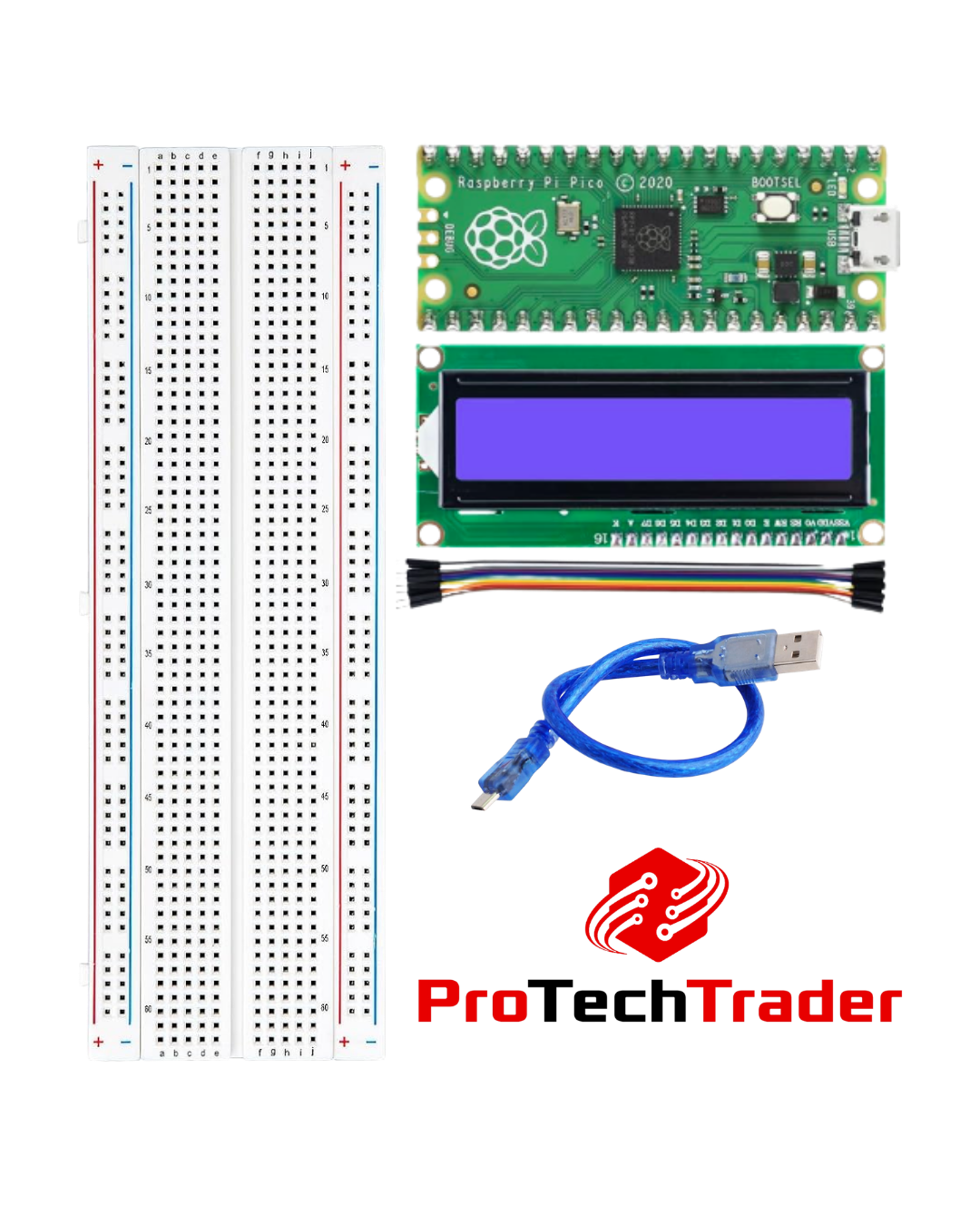
Raspberry Pi Pico Starter Kit for Beginners - Includes Raspberry Pi Pico with Micro-USB, LCD Display 1602 with I2C, Male to Female Jumper Wires, and Breadboard
What's Included in This Raspberry Pi Pico Starter Kit
- Raspberry Pi Pico with Micro-USB Cable - The microcontroller brain, with headers already soldered on and a micro-USB cable included for power and programming. RP2040 dual-core chip.
- 16x2 Character LCD Display with I2C Module - Blue backlit LCD that shows 2 lines of 16 characters. Wires to the Pico using only 4 pins: VCC, GND, SDA, SCL.
- Male-to-Female Jumper Wires (assorted set) - Match the pin headers on the Pico directly, no soldering needed.
- Solderless Breadboard - Color-coded power rails with plenty of room for the Pico, the LCD, and any extra components you want to add.
Why This Beginner Electronics Kit Works
The Raspberry Pi Pico is one of the easiest microcontrollers to start with. MicroPython loads in seconds, the documentation is solid, and you'll find a thousand tutorials online. Pair it with an I2C LCD display and you've got instant visual feedback for whatever code you're running. The 4-wire hookup keeps the project looking clean: no rats-nest wiring, no soldering iron, no day-one troubleshooting loop.
This MicroPython starter kit also runs CircuitPython and C/C++ via the Arduino IDE (with the Pico core), so it fits into whatever workflow you already use.
Who This Maker Kit Is For
- First-time hardware coders - Never written a line of code for hardware? Start here. Gentle learning curve, fast payoff.
- Arduino users moving to Pico - Drop the Pico into your existing workflow. RP2040 gives you more horsepower for the same price.
- Hobbyists with parts in a drawer - You have resistors, LEDs, and buttons already. This kit gives you the brain, the display, and the workbench.
- Students and STEM classrooms - Standardized kit for intro programming, electronics, or maker classes.
Get Started in Minutes
Plug the Pico into the breadboard, connect the four jumper wires to the LCD, install MicroPython via drag-and-drop, and you're coding. No soldering, no special tools, no setup headaches. Perfect for learning to code hardware, building classroom projects, or just having fun with electronics.
Product Gallery
Resources & Downloads
- Ships same-day for orders before 1:30 PM EST
- Handmade in The US
- Real technical support from electronics experts
- 30-day hassle-free returns - No restocking fees
Fast & Free Shipping
Most orders ship same day. FREE shipping on orders $50+
💯 100% Satisfaction Guaranteed - 30 Day Money-Back Promise
